
IP Pools
Every subscriber needs an IP address when connecting. SAS Radius supports two ways to assign addresses, chosen per profile with IP Pool Mode:
| IP Pool Mode | Who assigns the IP | When to use |
|---|---|---|
| Use NAS IP Pools (default) | The router. SAS Radius only sends the Pool Name; the pool must exist on the router with the same name. | Most networks, especially with one router or pools that differ per router. |
| Use SAS4 IP Pools | SAS Radius, from pools created in IP Pools. The router receives the exact IP for each user. | To manage all address ranges in one place instead of on every router. |
IP Pools list
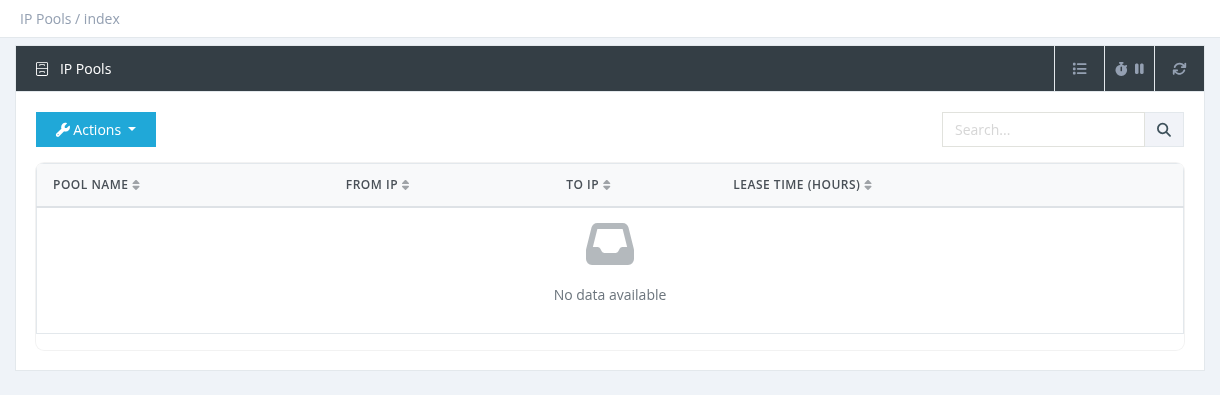
Open IP Pools in the menu. The list shows each pool's Pool Name, From IP, To IP and Lease Time (hours). Search by name or IP. Click a pool name to edit it.
Creating a pool
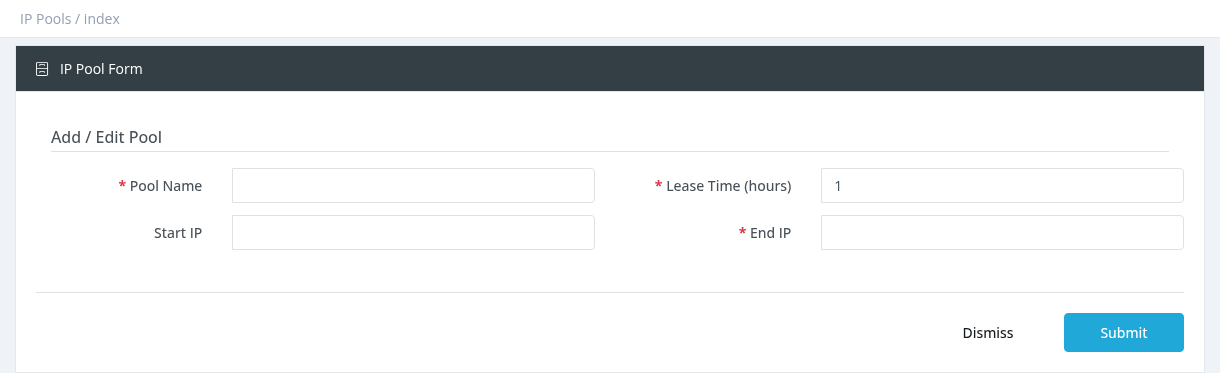
Click Actions → New, fill in the form and click Submit.
| Field | Description |
|---|---|
| Pool Name | Required and unique, for example pool-20M. |
| Lease Time (hours) | How long an address stays reserved for a user (default 1). |
| Start IP | First address of the range, for example 10.20.0.1. |
| End IP | End of the range, for example 10.20.3.255. It must be after the Start IP. The pool contains the addresses from Start IP up to, but not including, End IP. |
- Large ranges take a little longer to save, because every address is prepared.
- Editing a pool rebuilds its address list.
- Deleting a pool also removes it from all profiles that use it; those profiles go back to Use NAS IP Pools.
Required permission: Managers - System Administrator