
Pricing List
The Pricing List (Profiles → pricing list) sets how much each manager pays for each profile, and the price shown to end users. The difference between a manager's price and the price of the manager above is that manager's commission.
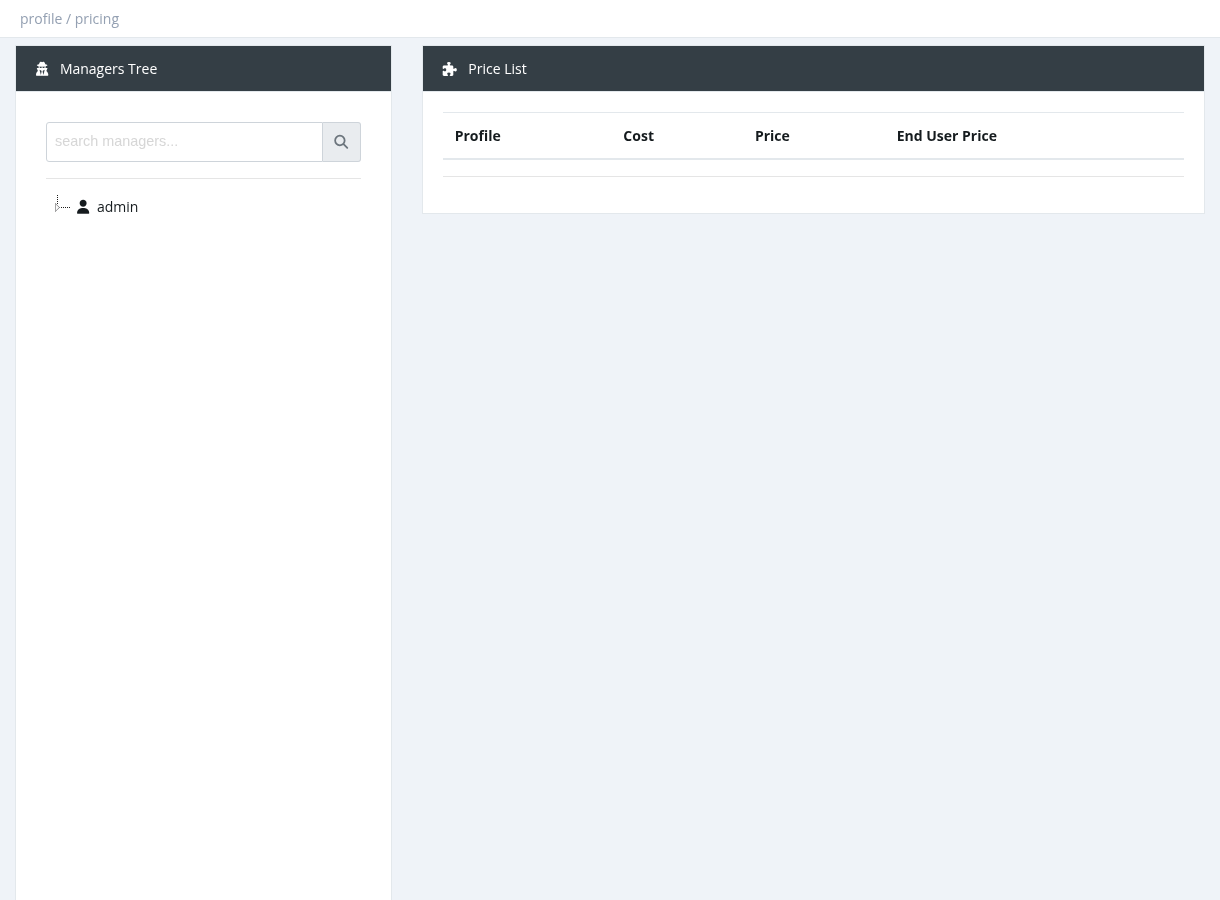
How to set prices
- Select a manager in the Managers Tree on the left.
- For each profile, enter the Price (what this manager pays) and the End User Price (price for subscribers, used in the user portal).
- Click Submit.
| Column | Meaning |
|---|---|
| Profile | The profile (Prepaid, Postpaid and Extension profiles are listed). |
| Cost | What the manager above pays (your cost). |
| Price | What the selected manager pays. Prices that differ from the cost are highlighted. |
| End User Price | The subscriber price. |
Rules
- A manager's price can't be lower than the price of the manager above (only a system administrator can set 0).
- If no price is set, the manager inherits the price of the manager above, and finally the profile's Unit Price.
- Prices above the profile's Max Price / Max End-User Price are reduced to those limits.
- When you raise a price, lower prices set for managers further down are reset to inherit the new price.
- In your own price list you can change only the End User Price.
- If a manager's price for a profile is 0, the profile is hidden from that manager (except Extension profiles).
- Reset deletes all prices of the selected manager and all their sub-managers, so they inherit again.
Example
Unit Price 10. Reseller A price 12. Sub-reseller B (under A) price 15. When B activates a user: B pays 15, A earns 3, and the admin receives 12. See the Managers chapter for more about balances.
Required permission: Profiles - Pricing Management