Sessions Report
Reports → Sessions lists user connections (sessions): when each user connected and disconnected, from which router and IP, and how much traffic was used. It is useful to find who used an IP address at a certain time.
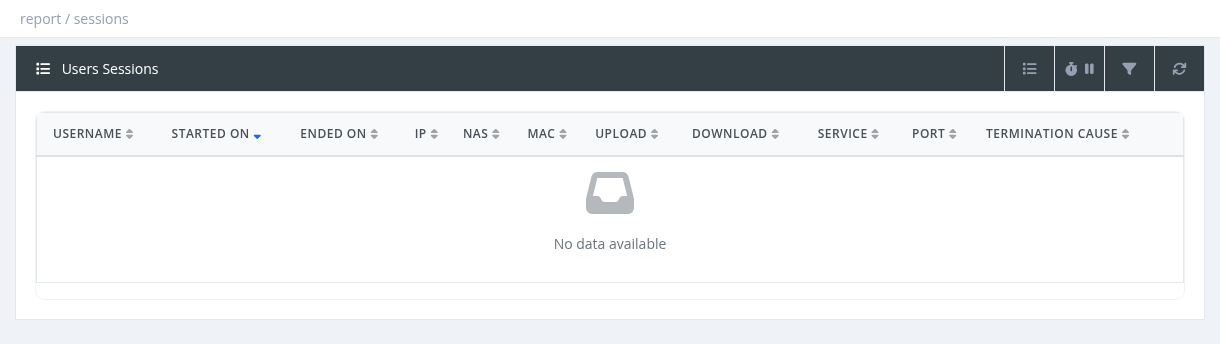
Columns
| Column | Description |
|---|---|
| Username | The user. |
| Started On / Ended On | Session start and end (empty end = still online). |
| IP | The IP address given to the user. |
| NAS | The router. |
| MAC | The device MAC address. |
| Upload / Download | Traffic of the session. |
| Service, Port | PPPoE service name and router port. |
| Termination Cause | Why the session ended, for example User-Request (the device disconnected), Admin-Reset (disconnected by SAS Radius or the router), Lost-Carrier, Idle-Timeout, NAS-Reboot, SAS-TIMEOUT (closed by SAS Radius because no updates were received). |
| Protocol | Hidden by default. |
Filters
- IP Address: exact IP.
- Username: exact username.
- MAC: part of a MAC address.
- From Date: sessions started on or after this date. To Date: sessions ended on or before this date (sessions still online are not included when To Date is set).
Managers see sessions of their own users. A single user's sessions are also in the user's Sessions tab.
Sessions are kept as long as session history is kept on the server. On large servers, old sessions may be archived to save space.
Required permission: Report - Sessions or Users - Show Sessions