System Services
Tools → System Services shows the background services of SAS Radius. Each row shows whether the service is RUNNING (green) or STOPPED (red), updated every 5 seconds, with START, STOP and RESTART buttons.
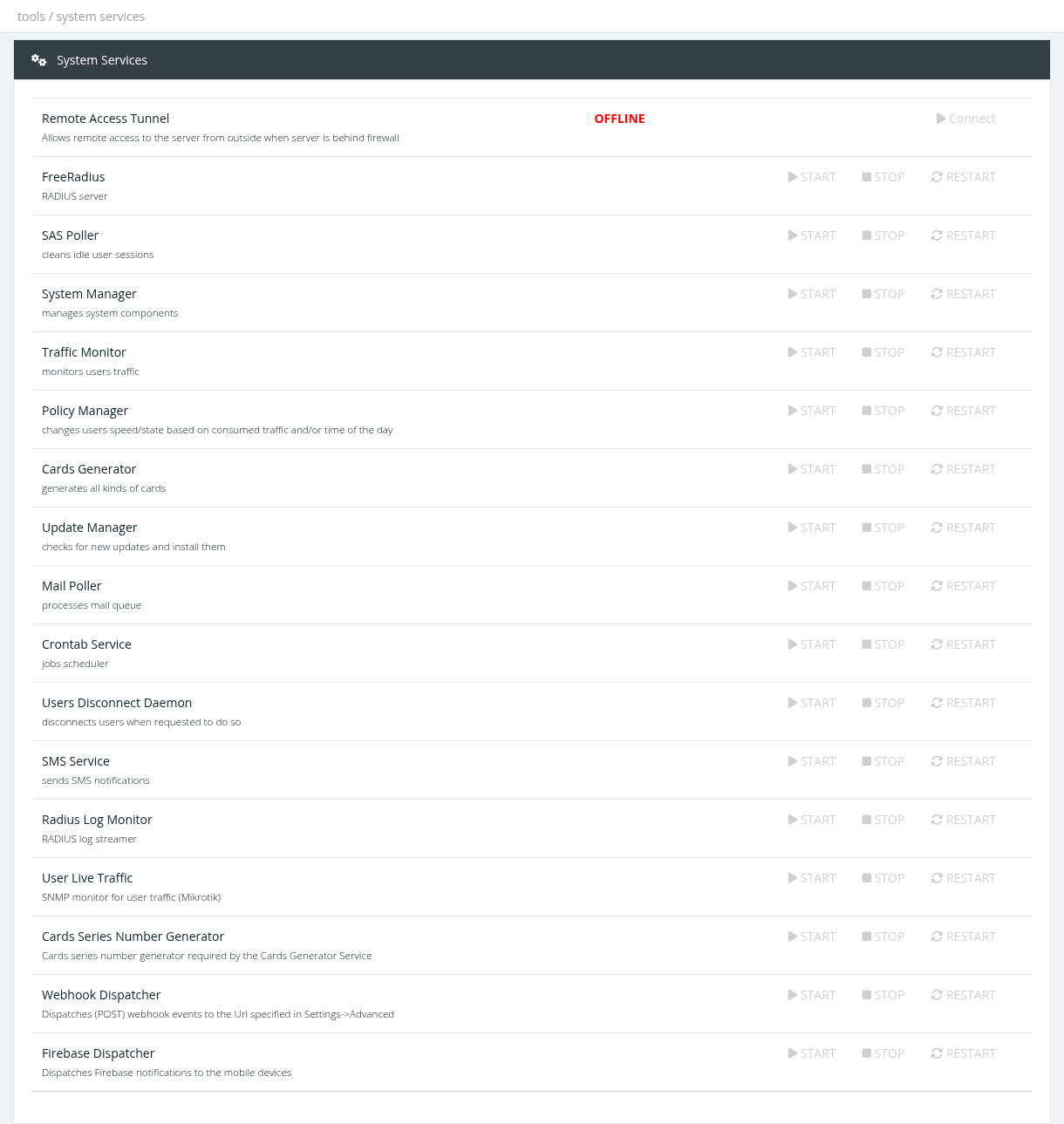
The buttons act immediately, without confirmation. Stopping FreeRadius stops all user logins.
Services
| Service | Does | If stopped |
|---|---|---|
| FreeRadius | RADIUS server | No user can log in; accounting stops. |
| SAS Poller | Closes idle sessions and finds expired / over-quota users | Old sessions stay online, expired users are not disconnected. |
| Users Disconnect Daemon | Sends disconnect requests to routers | Disconnects (manual and automatic) are not sent. |
| Traffic Monitor | Calculates daily user traffic | Traffic reports and quotas are not updated. |
| Policy Manager | Applies time / traffic based policies | Daily policies are not applied. |
| Cards Generator, Cards Series Number Generator | Generate cards | Card jobs stay pending. |
| SMS Service | Sends SMS | SMS stay in the queue. |
| Mail Poller | Sends emails | Emails stay in the queue. |
| Crontab Service | Runs scheduled jobs | Scheduled tasks don't run. |
| Radius Log Monitor | Streams the RADIUS log | The live RADIUS Log page stays empty. |
| User Live Traffic | Live traffic graphs (SNMP) | Live Traffic doesn't work. |
| Webhook Dispatcher | Sends webhooks (Settings → Advanced) | Webhooks are not sent. |
| Firebase Dispatcher | Sends mobile app notifications | App notifications are not delivered. |
| System Manager, Update Manager | System components and updates | – |
If a service keeps stopping, restart it once and check the related page; if it stops again, contact Snono support.
Remote Access Tunnel
The first row, Remote Access Tunnel, lets Snono support reach your server when it is behind a firewall or NAT. Click Connect when support asks for it; the status changes to ONLINE and the access addresses are shown. Click Disconnect when support has finished.
Required permission: the System Services permission (system administrators)