
IP Pools
Every subscriber needs an IP address when connecting. SAS Radius supports two ways to assign addresses, chosen per profile with IP Pool Mode:
IP Pools list
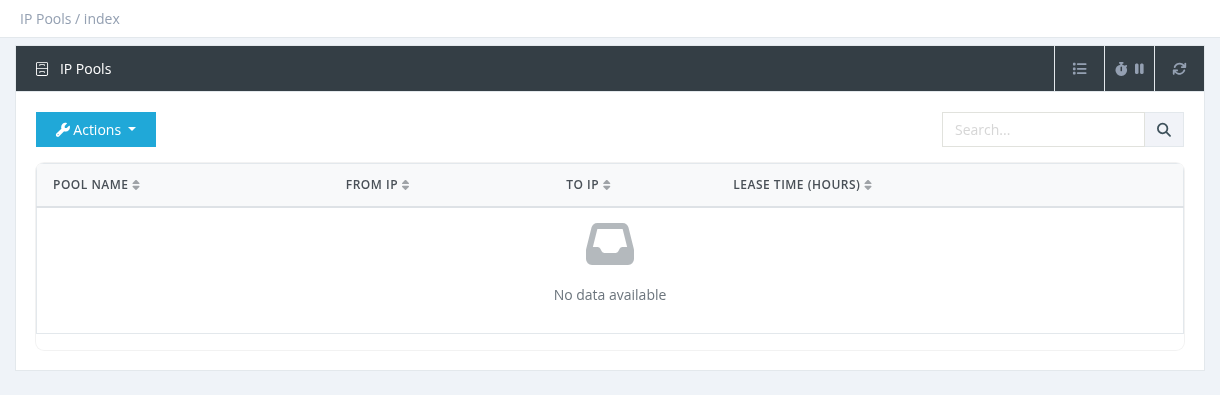
Open IP Pools in the menu. The list shows each pool's Pool Name, From IP, To IP and Lease Time (hours). Search by name or IP. Click a pool name to edit it.
Creating a pool
Click Actions → New, fill in the form and click Submit.
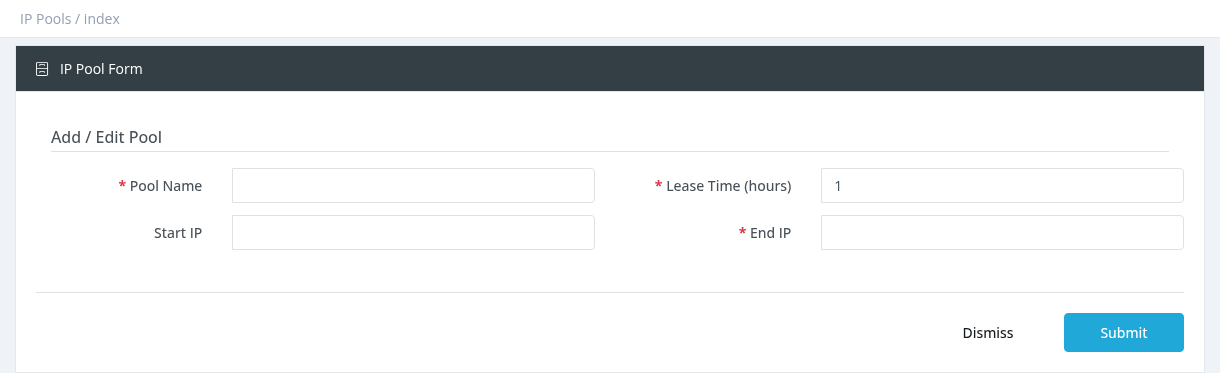
pool-20M.
Lease Time (hours)
How long an address stays reserved for a user (default 1).
Start IP
First address of the range, for example 10.20.0.1.
End IP
End of the range, for example 10.20.3.255. It must be after the Start IP. The pool contains the addresses from Start IP up to, but not including, End IP.
- Large ranges take a little longer to save, because every address is prepared.
- Editing a pool rebuilds its address list.
- Deleting a pool also removes it from all profiles that use it; those profiles go back to Use NAS IP Pools.
Required permission: Managers - System Administrator