
Logging In
Open the panel address in your browser, for example http://your-server-ip/ or your panel domain.
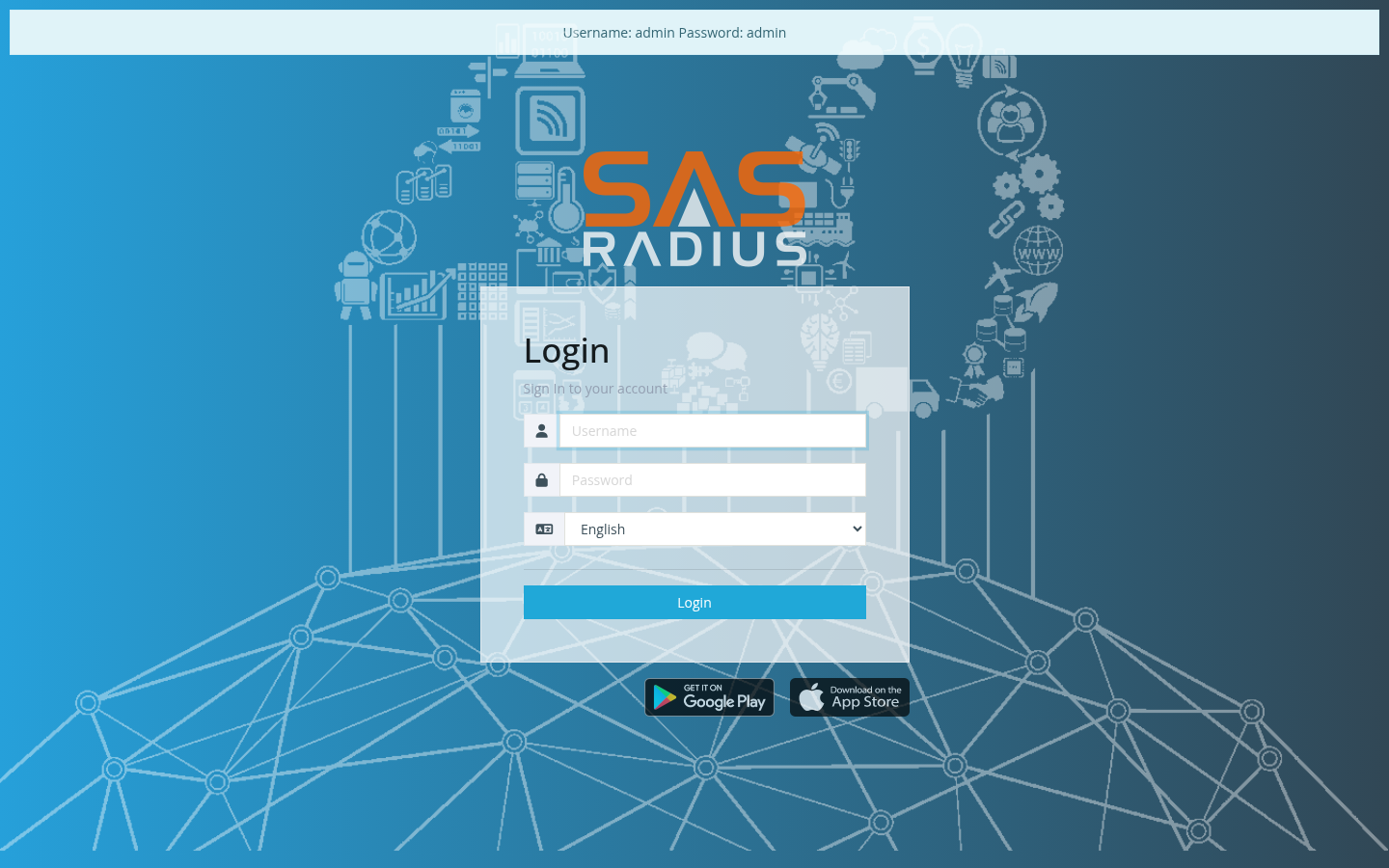
- Enter your Username and Password.
- Choose the panel language.
- If shown, solve the captcha.
- Click Login. If two-factor authentication is enabled for your account, enter the 6-digit code from your authenticator app.
Login problems
| Problem | Solution |
|---|---|
| Wrong username or password | Check upper and lower case. Ask your administrator to reset the password. |
| Too many tries, try again in 1 minute | Login is blocked for one minute after several wrong passwords. |
| Login fails although the password is right | Your account may be disabled, or assigned to a site and must log in through that site's address. |
| Only administrators can log in | The license is not active or the site is set offline. Contact your administrator. |
The SAS Radius mobile app is available on Google Play and the App Store (links on the login page).
The default administrator login after installation is admin / admin. Change it immediately (account menu → Profile → Change Password).