
Logging In
Open the panel address in your browser, for example http://your-server-ip/ or your panel domain.
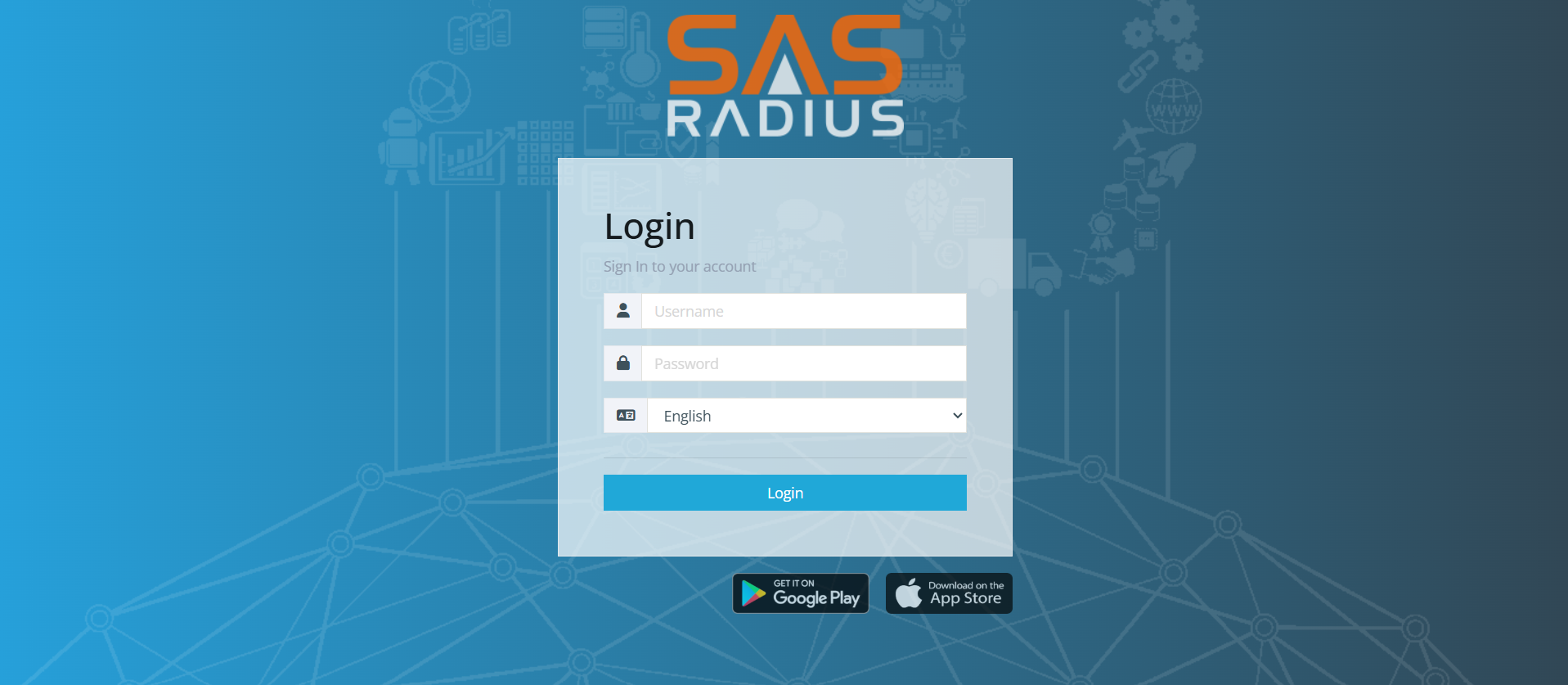
- Enter your Username and Password.
- Choose the panel language.
- If shown, solve the captcha.
- Click Login. If two-factor authentication is enabled for your account, enter the 6-digit code from your authenticator app.
Login problems
The SAS Radius mobile app is available on Google Play and the App Store (links on the login page).
The default administrator login after installation is admin / admin. Change it immediately (account menu → Profile → Change Password).