
Main Menu Overview
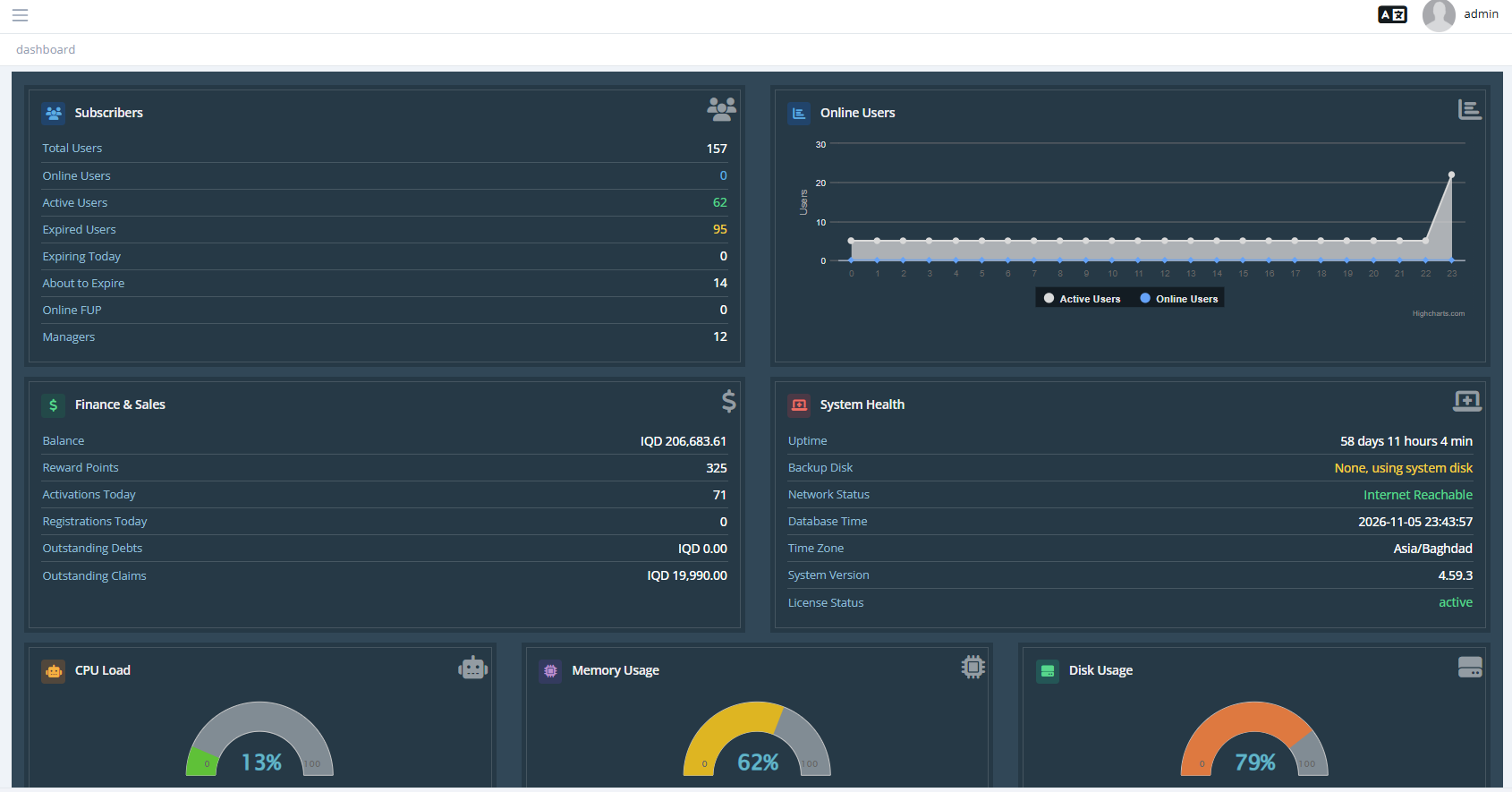
| Menu | Contents |
|---|---|
| Dashboard | Summary of users, online users, finance and system health. |
| Users | Users List, Online Users, Compensations, Support Tickets. |
| Managers | Resellers and staff accounts. |
| Groups | User groups shared between managers. |
| NAS | Routers that connect to SAS Radius. |
| Profiles | Profiles list, pricing list, usage notifications, addons. |
| Cards System | Prepaid cards. |
| Billing | User Invoices, Issue Invoice. |
| Reports | Activations, finance, sessions, traffic, users and more. |
| Log | System Log, User Auth Log, RADIUS Log. |
| Tools | Backup, import, bulk changes, maintenance, services, updates, announcements, dashboards. |
| IP Pools | Address pools managed by SAS Radius. |
| Settings | All system settings. |
| About | Version information. |
Top bar
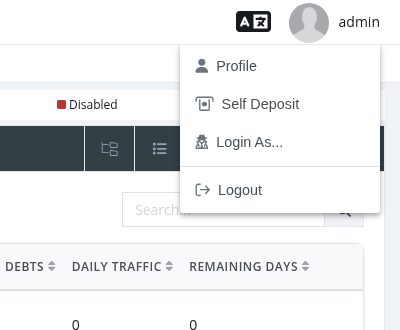
- Language icon: switch the panel language (English, Arabic, Kurdish, Portuguese, Turkish).
- Your name opens the account menu: Profile (your details, password, two-factor authentication), Self Deposit (top up your balance), Login As... (log in as another manager) and Logout.
- System administrators see a banner when a software update is available.