Postpaid Billing and Settings
For subscribers on Postpaid profiles, SAS Radius creates an unpaid invoice shortly before each subscription period ends, so the subscriber can pay for the next period.
Postpaid
& Billing Settings
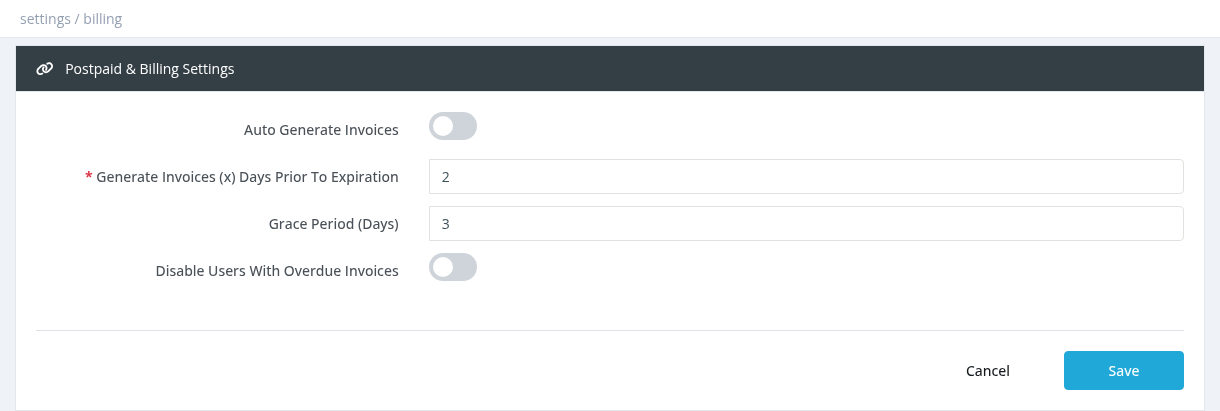
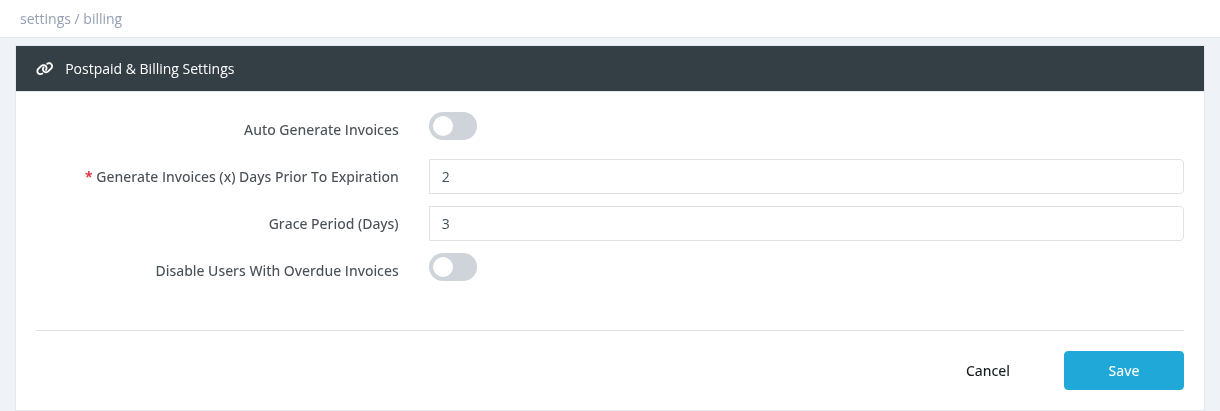
Open Settings → postpaid billing.
FieldDescription
Auto Generate InvoicesCreate postpaid invoices automatically.
Generate Invoices (x) Days Prior To ExpirationHow many days before the user's expiration theThe invoice
isappears created.in UseUser 2 or more.
Grace Period (Days)Days after the due date before an unpaid invoice countsInvoices as
overdue.
Disable Users With Overdue InvoicesDisable subscribers whose invoices are overdue.
Required permission: Settings - System Settings
The postpaid invoice
Created for enabled users on Postpaid profiles whose expiration is within the set number of days.
Typetype purchase/postpaid, description "service subscription",
unpaid, due on the user's expiration date.
Amount = the subscriber price of the profile + VAT.
Only one invoice is created per period.
Payment
The subscriber
canpays payit in the user
portal (when billing and payment gateways are enabled for the portal),portal, or a system administrator marks
the invoiceit paid with
Pay Invoice.
after
receivingTo turn automatic invoices on and set the money.timing, grace period and overdue handling, see Settings → Postpaid Billing.
Postpaid profiles are explained in Profile Types (Profiles chapter). Invoices are listed in User Invoices.