
System Log
Log → System Log is the audit trail of the panel: who did what, and when. Every important action is recorded: logins, user changes, activations, deposits, profile and NAS changes, settings, exports and more.
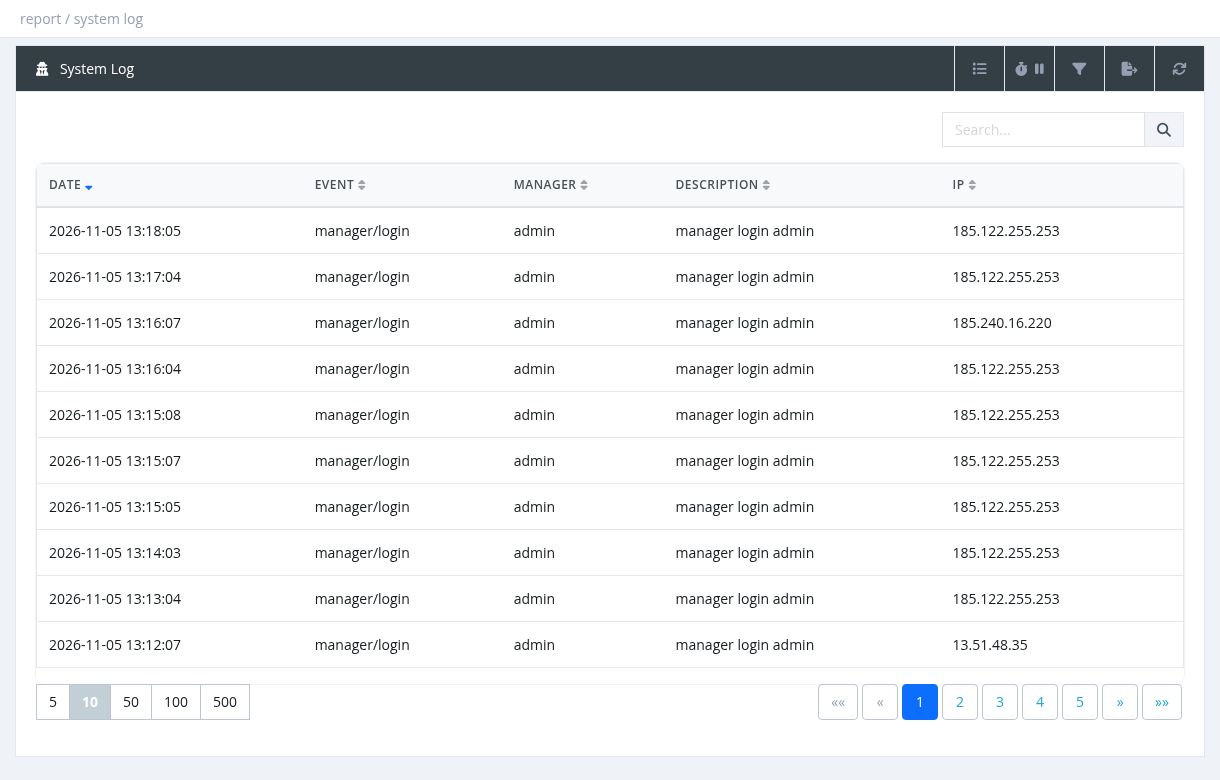
- Columns: Date, Event, Manager (who did it), Description, IP.
- The Search box searches event, description and IP, for example a username.
- Filters: Manager, Event (only events that exist in the log are listed), From / To Date.
- Managers see the actions of themselves and their sub-managers; system administrators see all.
- Export to Excel is available.
Useful events
To find out who changed a user, search for the username. Long descriptions are shortened.
Required permission: Reports - System Log