
Telegram
SAS Radius can run a Telegram bot for your subscribers. Subscribers log in to the bot with their username and password, see their account and traffic, and receive activation and expiration messages.
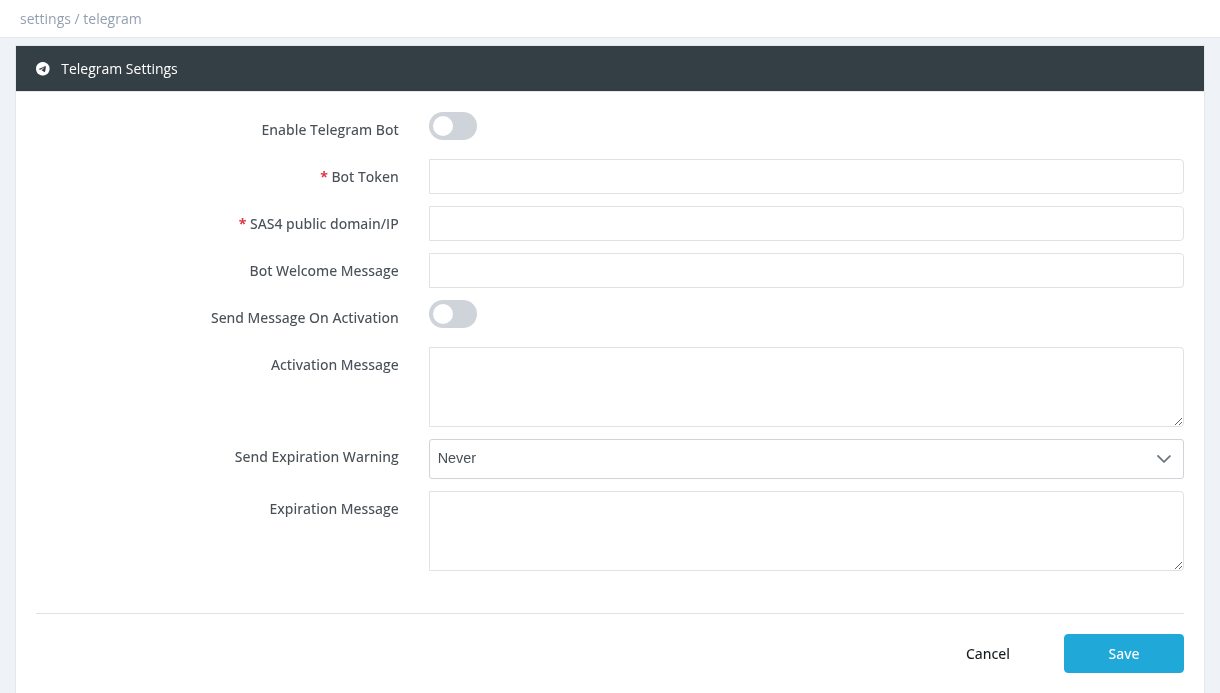
Setup
https://<this address>/..., so the server must be reachable from the internet over HTTPS with a valid certificate (a domain name is recommended).
Bot Welcome MessageReply to /start. Don't leave it empty.
Send Message On Activation / Activation MessageMessage after each activation or extension.
Send Expiration Warning / Expiration MessageWarn 1, 2 or 3 days before expiration (or Never).
Messages can use {username}, {firstname}, {lastname}, {exp} (expiration) and {srv} (profile).
How subscribers use the bot
Linked subscribers also receive Telegram announcements (Tools → Announcements) and usage notifications.
Required permission: Settings - System Settings