
User Groups
Groups organise users and managers into teams, for example by branch, area or sales team. The most important use: managers of the same group can work with all users of the group, not only their own.
Open Groups in the menu.
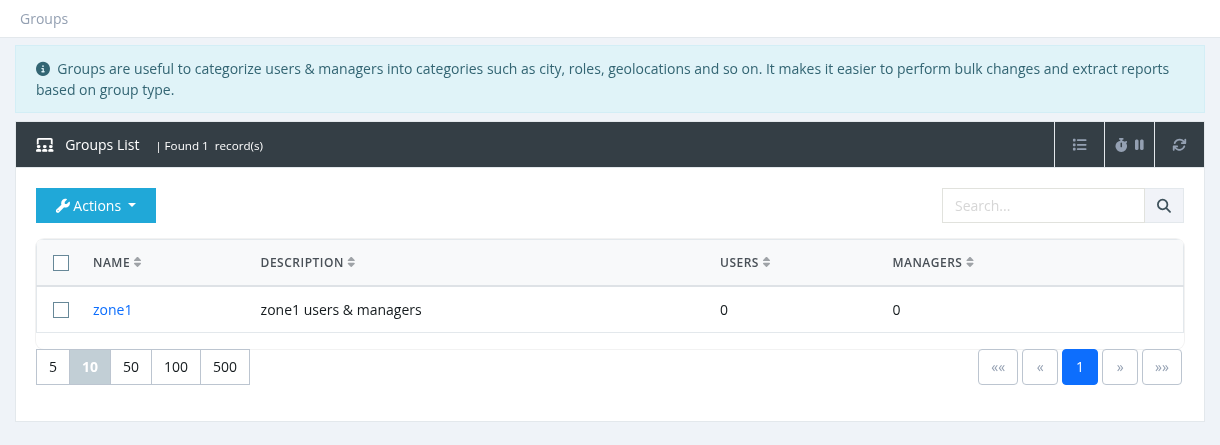
Groups list
Columns: Name (click to edit), Description, Users (number of users in the group) and Managers (number of managers in the group). Search by name or description.
Creating or editing a group
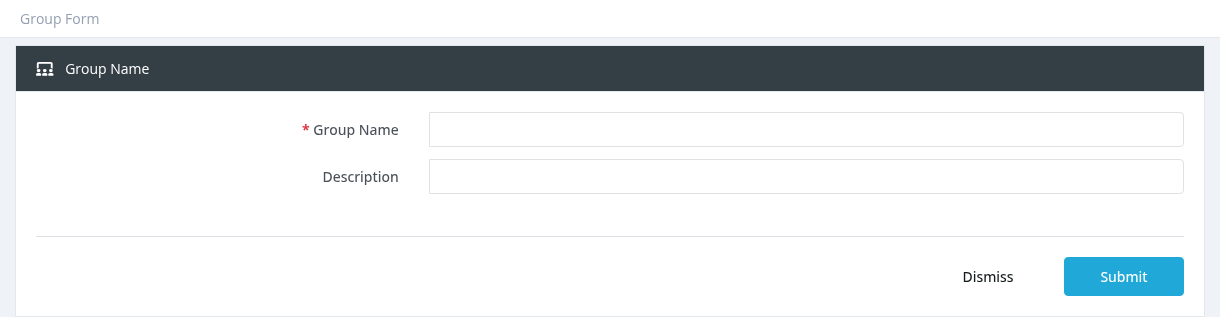
Click Actions → New (or click a group name), enter the Group Name (unique) and an optional Description, and click Submit.
Deleting a group
Select one or more groups and click Actions → Delete, then confirm. Move users and managers to another group first if the group is still in use.
Required permission: Groups - Index (Groups - Create / Update / Delete to change groups)