
Users, Traffic and Online History
Users report
Reports → Users has four tabs:
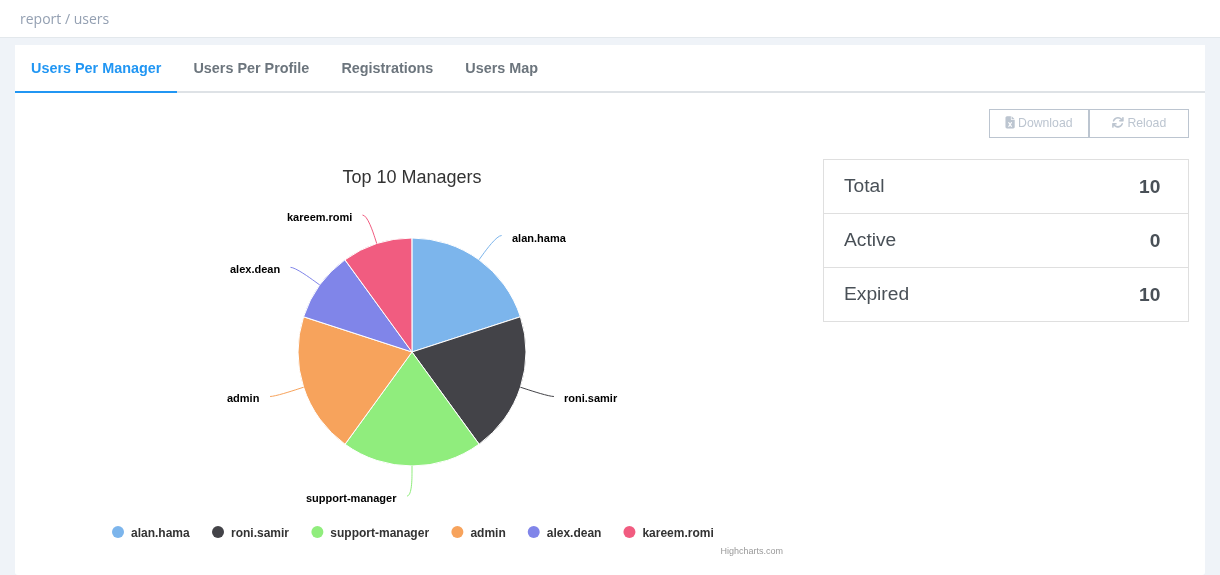
Active = expiration in the future; Expired = expiration in the past.
Required permission: Report - Users
Traffic
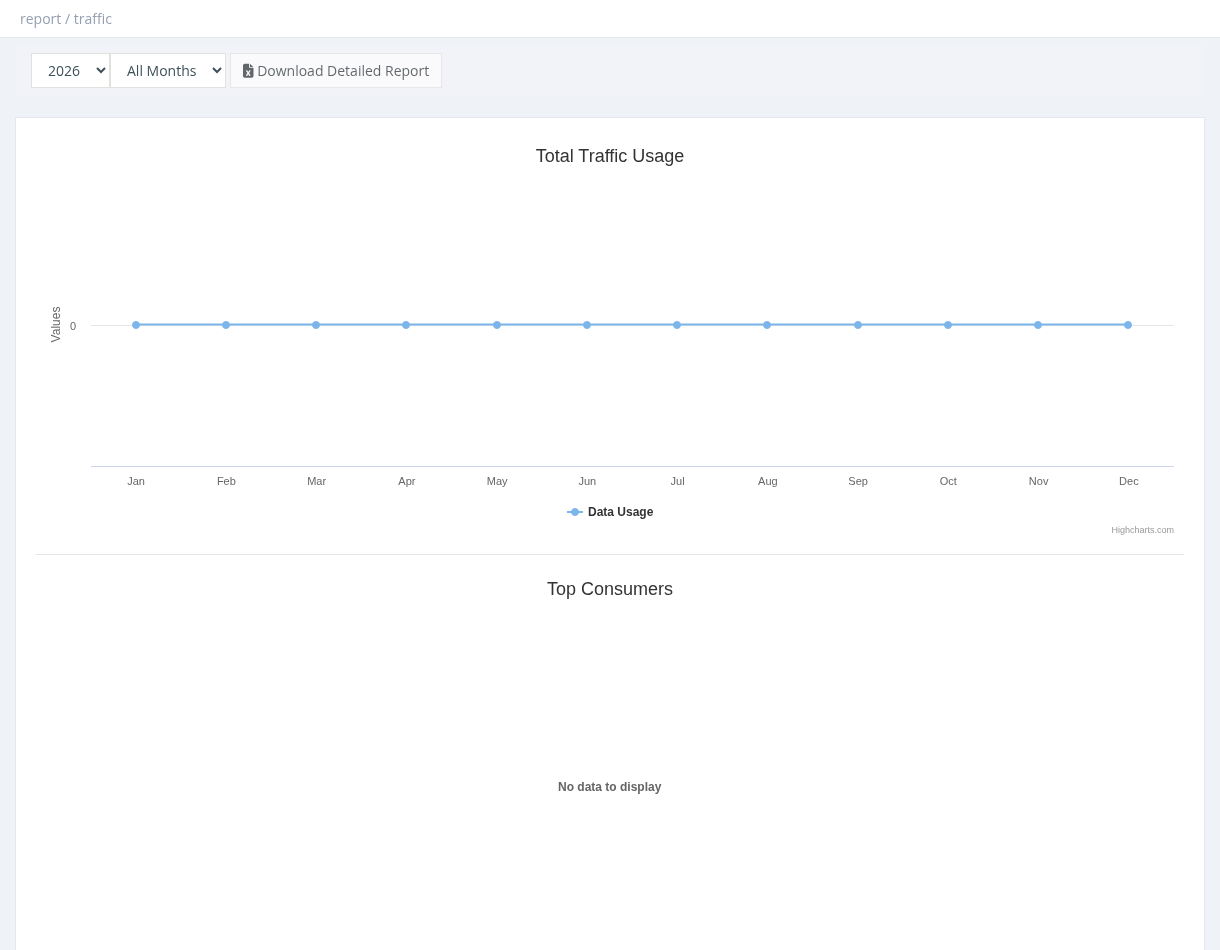
Reports → Traffic shows total download + upload per month of a year (or per day of a month), and the Top Consumers, Top Downloaders and Top Uploaders (top 10 users). Select a month to enable Download Detailed Report: an Excel file with download and upload per user for that month, including the accounted traffic used for quotas.
Required permission: Managers - System Administrator
Online History
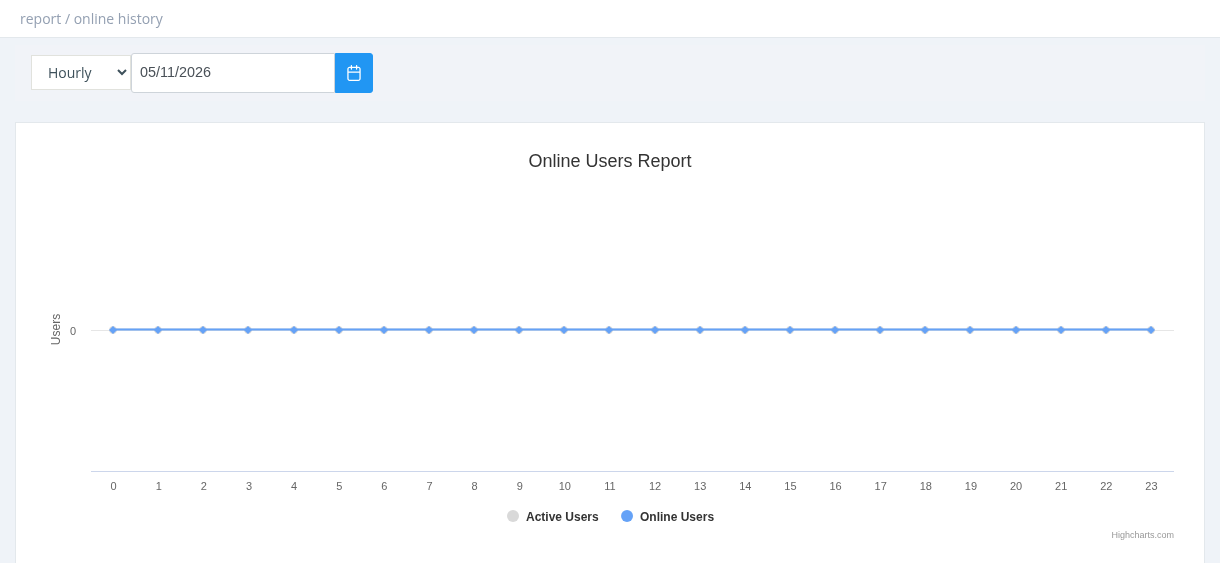
Reports → Online History shows how many users were online over time, compared with the number of active users:
- Hourly: one value per hour for a chosen day.
- Daily: the peak per day for a chosen month.
- Monthly: the peak per month for a chosen year.
It covers the whole system. Use it to find peak hours and to plan capacity.