
Welcome Screen and EULA
Two messages can be shown to managers (not subscribers) in the admin panel. Both are turned on in Settings → notifications, where the Screen Editor and EULA Editor buttons open the editors.
Welcome Screen
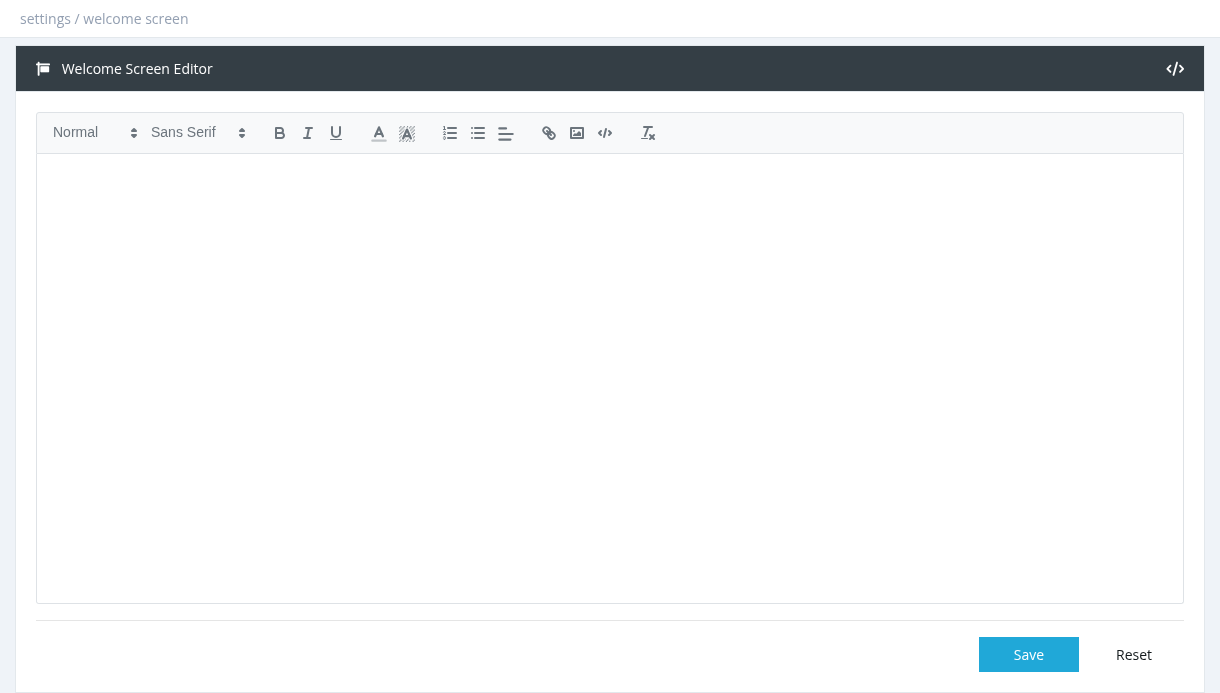
An Announcement window shown when managers open the dashboard, for example news, price changes or contact details.
- Turn on Show Welcome Screen On Login in Settings → notifications.
- Click Screen Editor, write the message (use </> to edit HTML) and click Save. Reset reloads the saved text.
Managers can close the window. It appears each time the dashboard is opened.
License Agreement (EULA)
Requires every manager to accept your terms before using the panel.
- Turn on Require License Agreement (EULA) Acceptance in Settings → notifications.
- Click EULA Editor, write the agreement and save.
- After login, managers see the License Agreement page. They must tick I have read and agree to the terms of this agreement and click I Accept; Decline & Logout logs them out.
- Until they accept, managers can view pages but can't save anything.
- Every time you save the EULA, all managers (including you) must accept it again.
- Acceptances are recorded in the System Log.
Required permission: Settings - System Settings