
Welcome Screen
The Welcome Screen is an Announcement window shown to managers (not subscribers) when they open the admin panel dashboard, for example news, price changes, holiday opening hours or contact details.
Setting it up
- Open Settings → notifications and turn on Show Welcome Screen On Login.
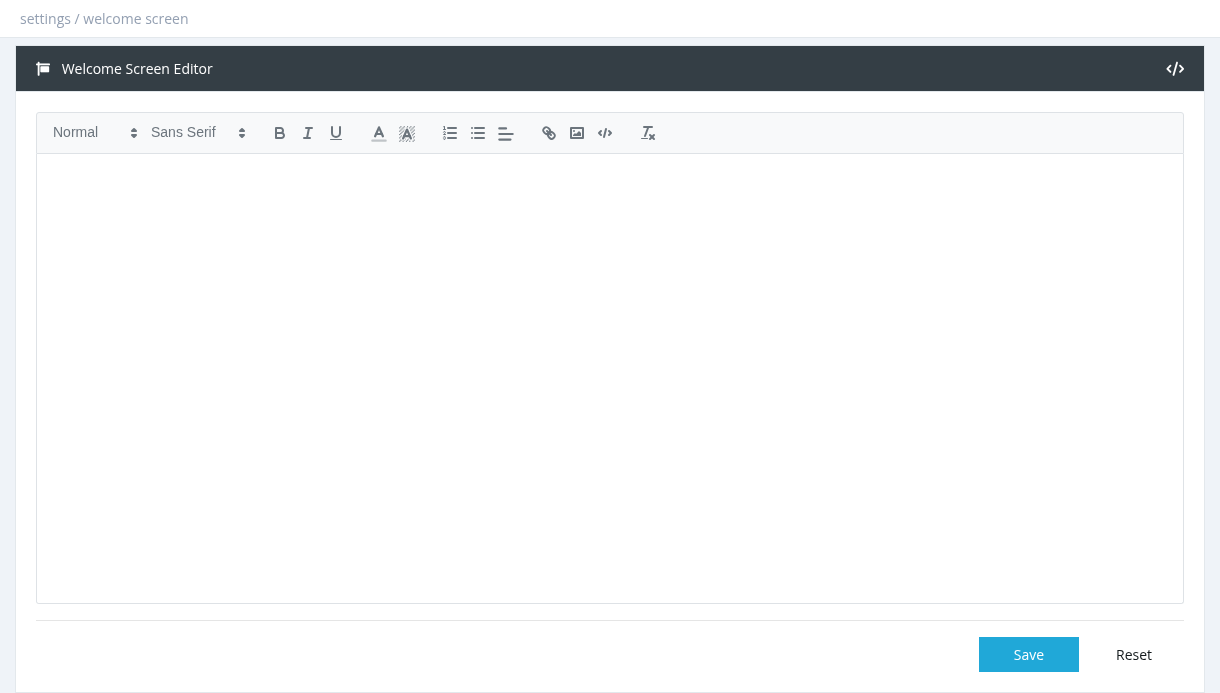
- Click Screen Editor.
- Write the message in the editor (bold, colours, links, images). Use the </> button to edit the HTML directly.
- Click Save. Reset reloads the last saved text.
- Managers can close the window. It appears again each time the dashboard is opened.
- To stop showing it, turn off Show Welcome Screen On Login.
Required permission: Settings - System Settings