Cards Series List
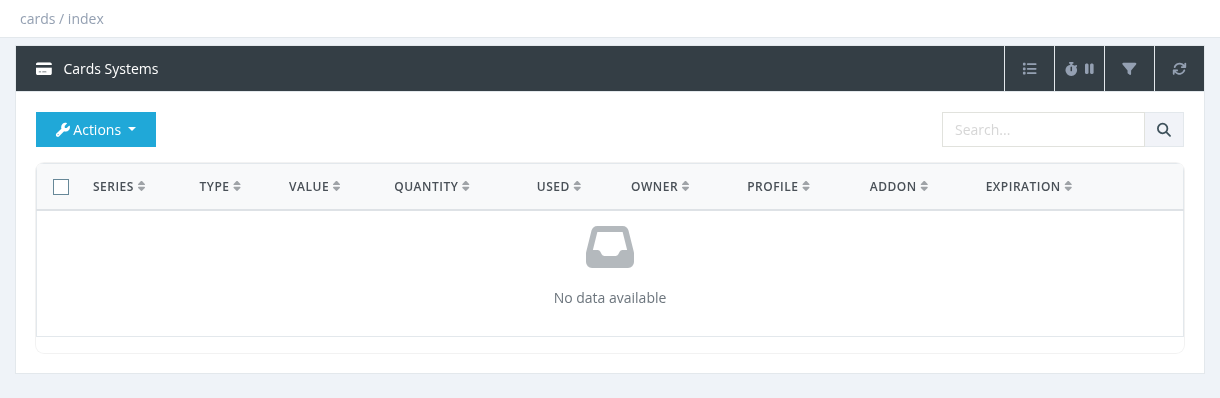
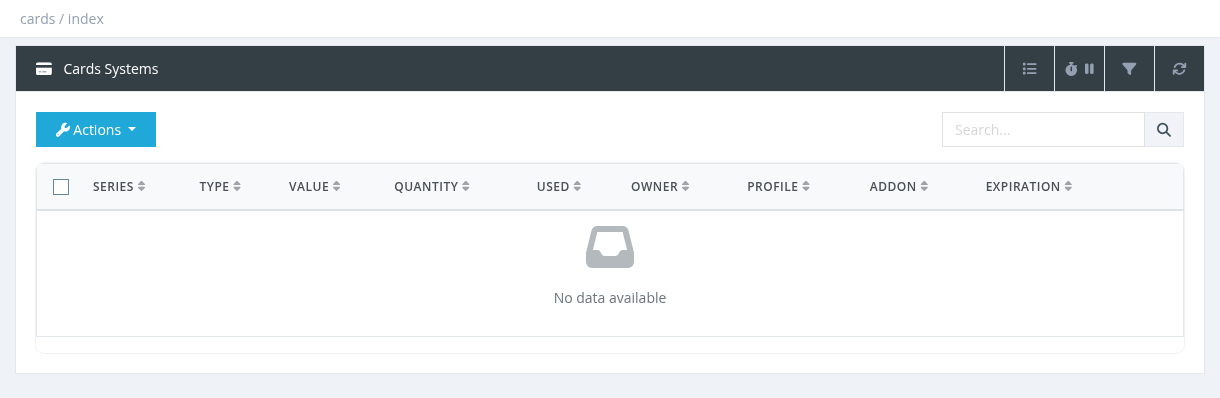
The Cards System page lists card series, one row per batch. Suspended series are shown in red.
Columns
Series (click to see the cards), Type, Value, Quantity, Used (cards already used), Owner, Profile, Addon, Expiration, and Date Added (hidden).
- The Search box finds a series by its number, or the series that contains a card with a matching PIN or username.
- The Advanced Filter filters by Owner, Type and Profile.
- Managers see their own series.
Actions
Action
What it does
Permission
Generate Cards / Jobs Queue
See
Generating Cards.
Cards - Generate Refill Cards
Verify Card
Look up one card. See below.
Cards - Verify Cards
Cards Designer
See
Designing and Printing Cards.
Cards - Designer
List
Shows every card of the series: serial number, PIN, username, password, used at, used by (user and manager).
Cards - List PINs
Download (CSV)
Downloads the series as an Excel file (serial, PIN, username, password, value, expiration, used).
Cards - Download
Download (PDF)
Prints the cards with a design.
Cards - Download
Suspend / Release
Blocks / unblocks all cards of the series, for example if cards were lost or stolen.
Cards - Suspend & Release
Change Expiry
Sets a new expiration date for all cards of the series.
System administrator
Change Owner / Change Owner (Range)
Give cards to another manager. See
Transferring Cards and Card Reports.
Cards - Change Owner / Cards - Change Owner (Range)
Delete
Permanently deletes all cards of the series, including used ones. The generation cost is not refunded.
Cards - Delete
Prefer Suspend over Delete for lost or unsold cards. Deleting removes the card history used by reports.
Verify Card
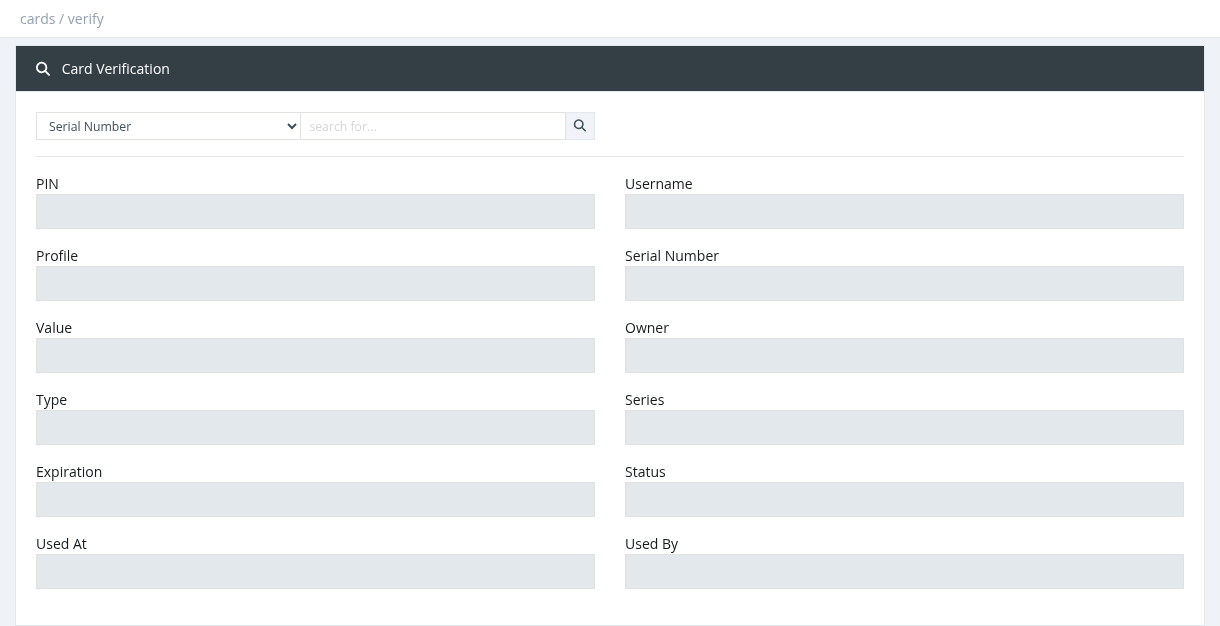
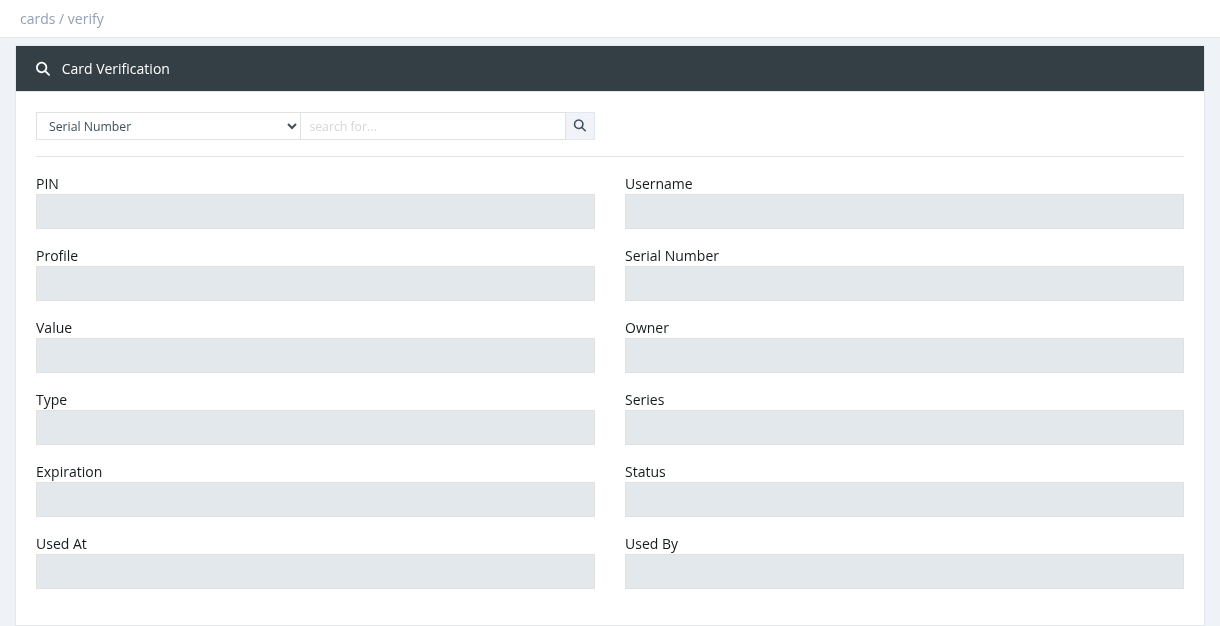
Enter a serial number, PIN or username and click the search icon. The result shows the card's PIN, username, profile, serial number, value, owner, type, series, expiration, status (Unused / used), used at and used by.
Required permission: Cards - Series Index