
Purchase Addon
An addon is an extra service sold on top of the subscription for a limited time, for example a MikroTik address list (to open a service or a gaming route), a different IP pool, or a URL called on connect. Addons are defined by the administrator under Profiles → Addons.
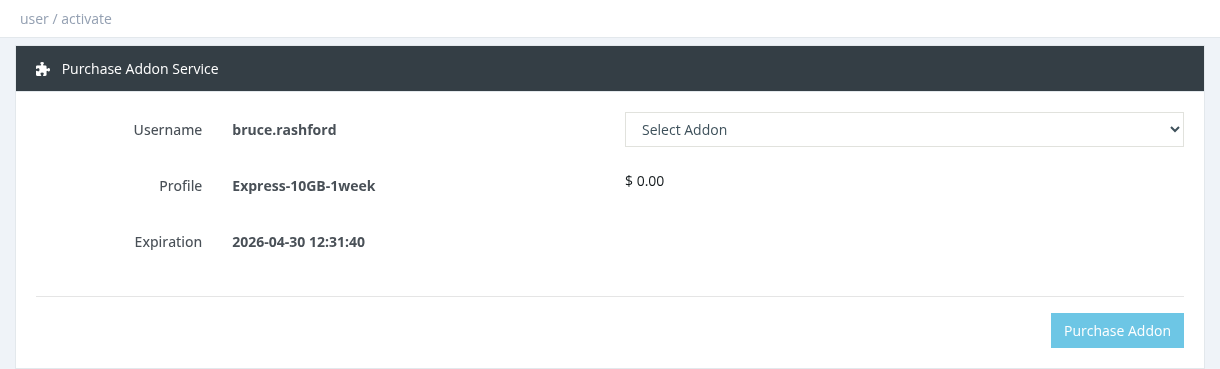
How to purchase
- Select the user and click Actions → Purchase Addon.
- Choose the addon in Select Addon. Its price, description and validity (for example "Valid for 30 day(s)") are shown.
- Click Purchase Addon and confirm.
- The price is charged from your Manager Balance. Depending on the addon's pricing mode it is a fixed price or a percentage of the user's profile price.
- The addon is valid from now for its own duration, independent of the user's expiration.
- The user must not be expired, and the same addon can't be bought again while it is still active.
- Active addons are listed on the user's Overview, where they can be cancelled (no refund).
- The addon takes effect when the user reconnects.
Required permission: Users - Purchase Addons