
Reports Overview
The Reports and Log menus show what happened in your system: sales, money movements, sessions, traffic, users and logins. You see only the reports your permissions allow, and in most reports only the data of your own managers and users.
Available reports
| Report | Answers | Page |
|---|---|---|
| Activations, Activation Statistics | Who renewed which users, on which package, for how much | Activations Reports |
| Managers Invoices, Managers Journal, Managers Receipts, Money Transfers, Debts Journal | Manager balances, charges, deposits and loans | Manager Money Reports |
| Profits | How much a manager earned per month | Profits Report |
| Gateway Transactions | Online payments (ZainCash, Switch, …) | Gateway Transactions |
| Users, Traffic, Online History | Number of users, top consumers, online users over time | Users, Traffic and Online History |
| Sessions | Connection history of all users | Sessions Report |
| Suspicious Users, Radius Status | Unusual online users, RADIUS server counters | Suspicious Users and Radius Status |
| Cards Usage, Cards Transfer Log | Card sales and transfers | Cards System chapter |
| System Log | Who changed what in the panel | System Log |
| User Auth Log | Why a user can't connect | User Auth Log and Login Errors |
| RADIUS Log | Live RADIUS server messages | RADIUS Log |
Working with report tables
- Open the filter (funnel icon) to choose a manager, dates and other options. Date ranges include both the start and end day.
- Use show/hide columns to choose columns; your choice is saved in your browser.
- The export icon saves the filtered rows to Excel (.xlsx).
Data Export Jobs
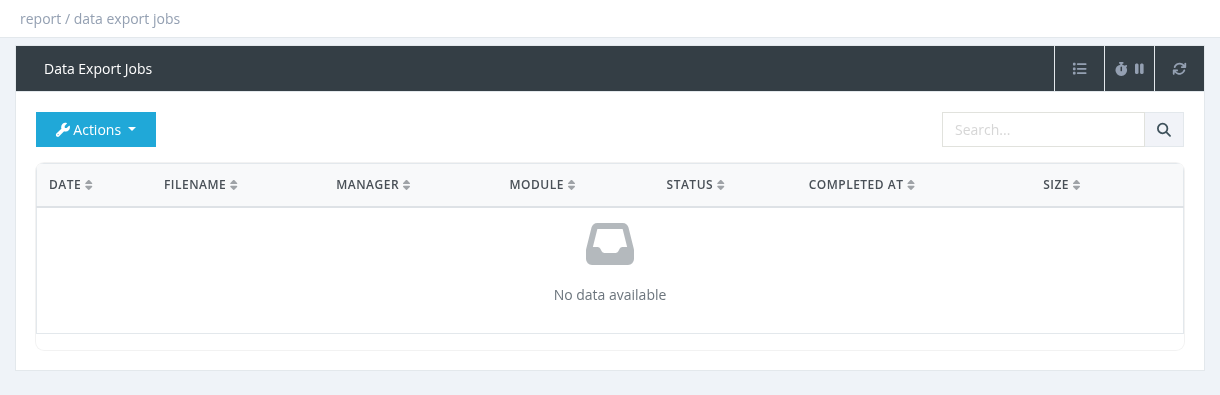
Large exports (Users, Profiles, NAS) are prepared in the background. After you click Export, you are taken to Reports → Data Export Jobs. The Status shows Pending, Processing or Completed; when completed, select the job and click Download. You see your own export jobs (system administrators see all).