
Network
Settings → network stores the network configuration of the SAS Radius server.
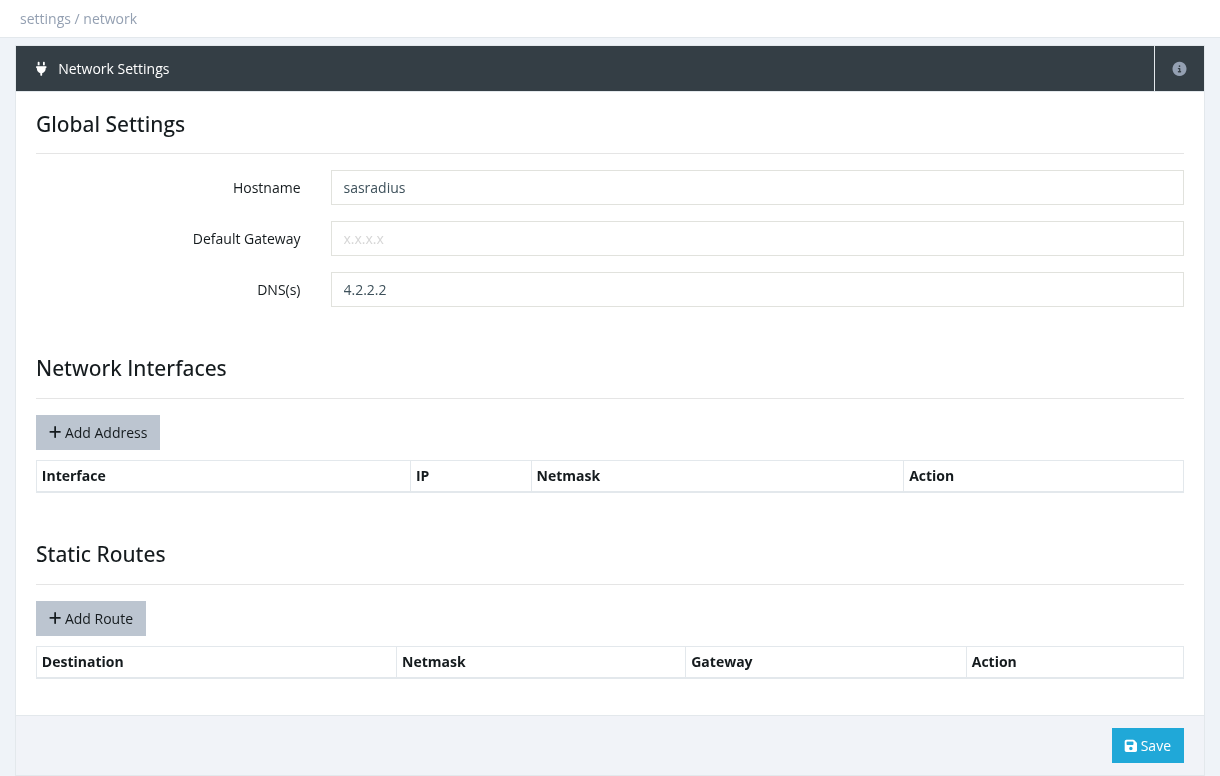
| Section | Fields |
|---|---|
| Global Settings | Hostname, Default Gateway, DNS(s) (separate several with commas). |
| Network Interfaces | Add Address: choose the interface and enter IP and Netmask. Remove an address with ×. |
| Static Routes | Add Route: Destination, Netmask and Gateway, for example a route to your NAS network through a VPN or a second interface. |
Click Save. Network changes may need a server reboot to take effect.
A wrong IP address, netmask or gateway can make the server unreachable. Before changing network settings, make sure you have console access (hosting console, VNC or physical access) and write down the current values. If unsure, contact Snono support.
Required permission: Settings - System Settings