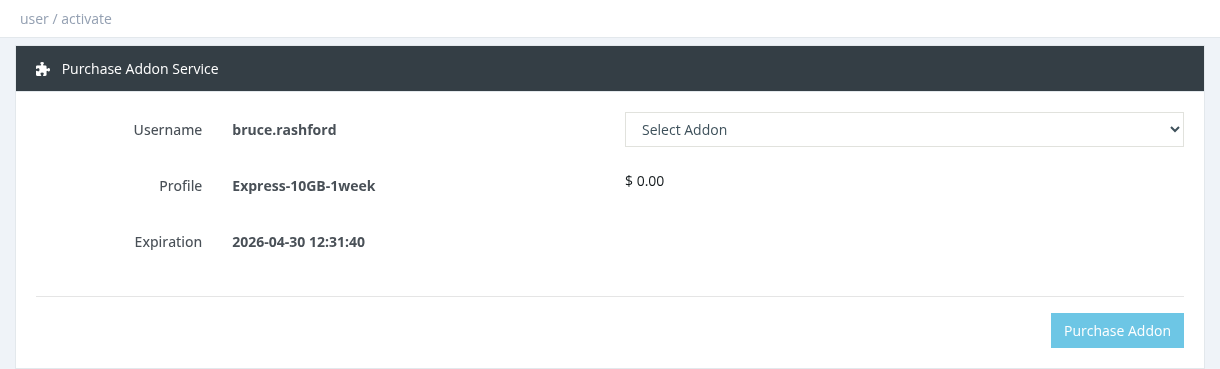
Purchase Addon
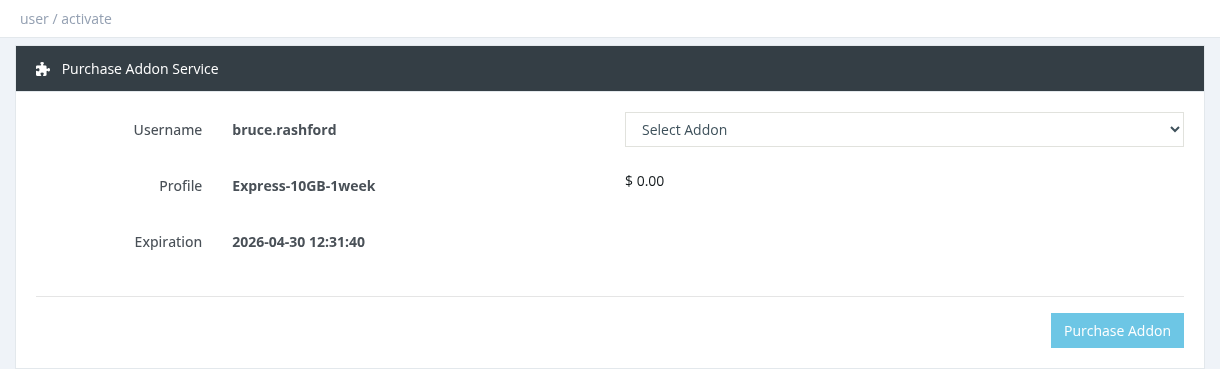
How to purchase
Select the user and click Actions → Purchase Addon.
Choose the addon in
progress.Select Addon. Its price, description and validity (for example "Valid for 30 day(s)") are shown.
Click Purchase Addon and confirm.
The price is charged from your Manager Balance. Depending on the addon's pricing mode it is a fixed price or a percentage of the user's profile price.
The addon is valid from now for its own duration, independent of the user's expiration.
The user must not be expired, and the same addon can't be bought again while it is still active.
Active addons are listed on the user's Overview, where they can be cancelled (no refund).
The addon takes effect when the user reconnects.
Required permission: Users - Purchase Addons