
Support Tickets
Support Tickets (Users → Support Tickets) are conversations between subscribers and managers. Subscribers can open tickets from the User Portal, and managers can open a ticket for a user.
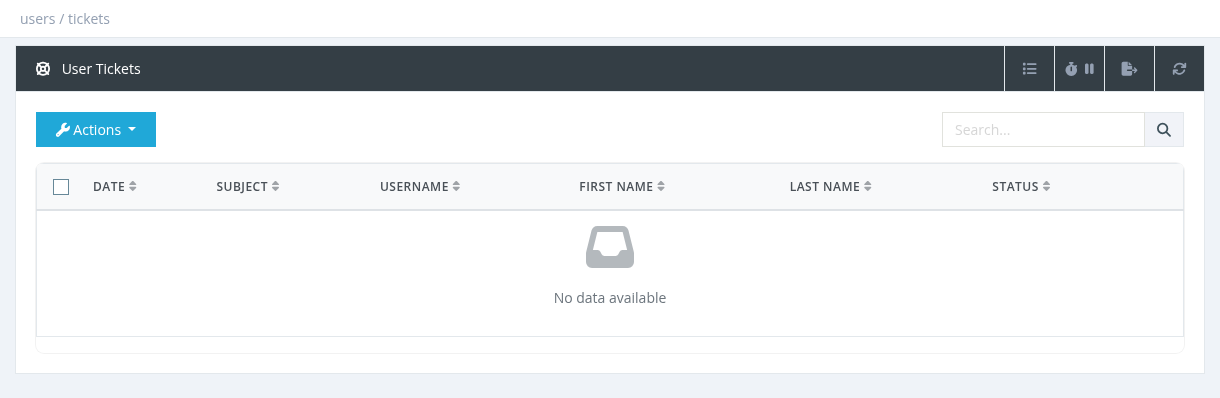
The list shows the date, subject, username, name and status (open/closed, solved/unsolved). Managers see the tickets of their own users and their sub-managers' users. The search box searches the subject.
Actions
| Action | What it does |
|---|---|
| Create Ticket | Choose the client (type at least 2 characters) and enter a Subject (at least 3 characters), then click Create. Open the ticket to write the first message. |
| Open a ticket | Click the Subject. The conversation opens on the right; type a reply and click Send. |
| Close Ticket | Closes the ticket. Tick Problem Solved to mark it as solved. |
| Delete | Permanently deletes the ticket and all its messages. |
Closed tickets can't be reopened from the admin panel. Ticket replies don't send SMS or email notifications; check the list regularly.
Required permission: Users - Show Support Tickets